

Visualize future
SIMATIC WinCC Unified System – from visualization up to vertical integration
Visualization with WinCC Unified, now even more flexible!

Seamlessly integrated hardware and software
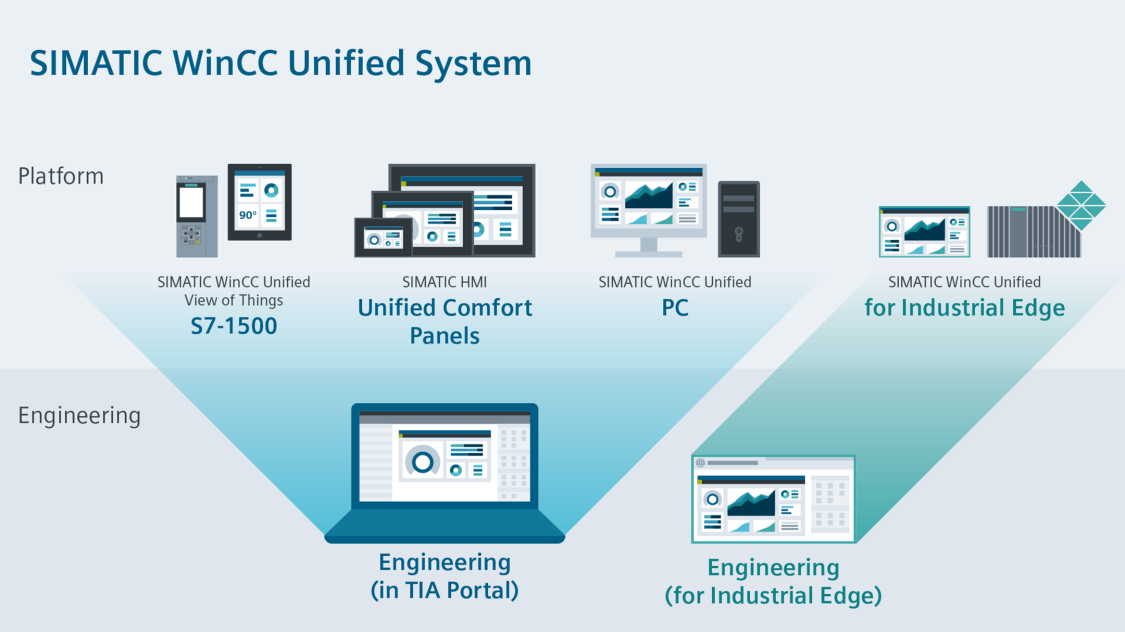
You can use the new SIMATIC HMI Unified Comfort Panels and the PC-based SIMATIC systems to get the most out of the performance offered by WinCC Unified. Thanks to HTML5 and SVG support, the visualization opens up many new opportunities you can use with the Totally Integrated Automation Portal (TIA Portal), easily and efficiently.
In addition, SIMATIC WinCC Unified is available as apps for runtime and engineering for the Industrial Edge infrastructure.

The latest technology and proven expertise
Based on web technologies such as HTML5, SVG and JavaScript, you always get the best usability, regardless of the device you use. WinCC Unified enables authorized operators to access the system via any current web browser – without the need to install separate plug-ins.

Simple, continuous scalability
From the control panel directly on the machine to the complex PC-based solutions: SIMATIC WinCC Unified offers a wide range of options for industry-specific requirements and can be utilized for user-specific applications with its open interfaces. Thanks to new technologies and its openness, you can more easily exchange data from WinCC Unified with other systems.
Runs anywhere, any time
The technologies used ensure maximum flexibility in the choice of the runtime environment. WinCC Unified is available for different runtime environments. In addition to established Panel- and PC- systems, WinCC Unified can also be used in future in the Industrial Edge environment. WinCC Unified View-of-Things simplifies the creation of web screens for the SIMATIC S7-1500 web server in the TIA Portal.
Discover the SIMATIC WinCC Unified System
The SIMATIC WinCC Unified System brings powerful visualization functionalities to a broad range of platforms. Get to know the benefits of the entire system!

View of Things
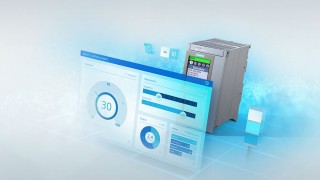
Web-based visualizations for simple operation and monitoring can now be used directly on an SIMATIC S7-1500 with the help of WinCC Unified.
Unified Comfort Panels
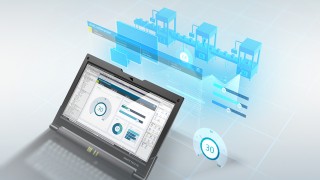
The new generation of high-end operator panels with Multitouch, Industrial Edge and a visualization powered by WinCC Unified.
WinCC Unified PC
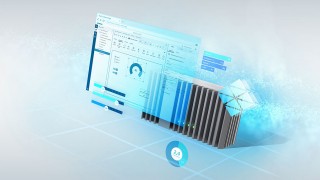
PC-based WinCC Unified systems are scalable from single-user systems to complex, distributed applications. Web technologies, industry-specific extensions and open interfaces allow modern visualization concepts to be implemented in the TIA Portal.
WinCC Unified for Industrial Edge
The Industrial Edge infrastructure provides a high level of flexibility. WinCC Unified will soon also be available as an Edge app for runtime and engineering.
What makes the WinCC Unified System so special?


Zero installation client
The user interface is consistently based on the HTML, SVG, and JavaScript technologies. An up-to-date web browser is all that’s needed to access the visualization –no need to install separate apps or plug-ins.
Comprehensive set of controls
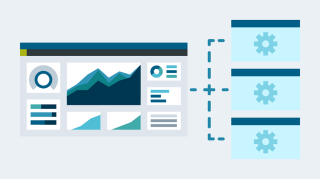
The user interface has been completely revamped to provide a consistent usability across all platforms, controls with significantly more functionality, and integrated operator control concepts.
Comprehensive scripting
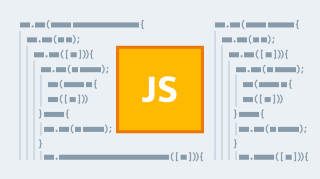
The JavaScript scripting language gives WinCC Unified now one integrated scripting engine for all platforms. All functions of the language for data handling, object creation, and the use of classes as well as inheritance are available for scripting in WinCC Unified.
One file for a variety of possibilities
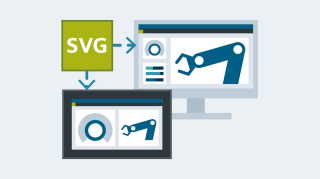
With SVG graphics, you get optimal image quality regardless of the screen resolution you choose. WinCC Unified supports not only static but also dynamic SVG graphics that can be easily animated and dynamized depending on process values from the system.

Automate the engineering
To reduce costs in engineering, you can have the visualization generated automatically on the basis of the PLC program using the TIA Portal option “SiVArc”. For maximum flexibility in automating engineering, TIA Portal Openness provides you with an API for the TIA Portal.
Structure of distributed configuration
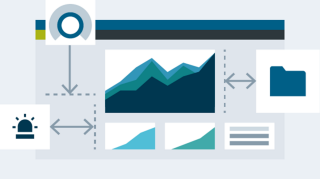
With Collaboration, screens and alarms from other panel- or PC-based WinCC Unified stations in the TIA Portal are linked directly to their own visualization. Seamless integration and uniform usability, e.g. in line visualization.

Open for extensions
Fully Integrate web-based tools, controls or applications in the visualization of WinCC Unified. One user interface for the operator – no more switching between different tools.

Easily connect to IT-systems
To exchange data from the automation with the IT environment, WinCC Unified provides, through its “Open Pipe” interface, an easy means for exchanging available data.
Data archiving
Thanks to it easy handling, file-based archiving is ideally suited for small and medium-sized applications. Depending on the requirements, the period and quantity of the data and messages to be archived is defined individually.

Alarming
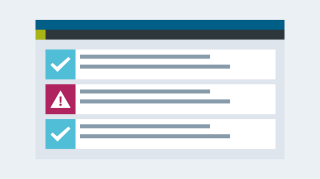
The configurable alarm system (according to IEC 62682) immediately informs about critical process states or warnings, for fast reactions and minimum downtimes. Categorized alarms and messages according to classes provide an optimal overview.
Parameter control
“Parameter sets” make it easy to handle and manage machine or production parameters. Parameter structures are defined on the basis of UDTs (User Data Types) from the PLC. The synchronization of parameter sets between PLC and HMI is perfomed by a control or can be automated.

Access control
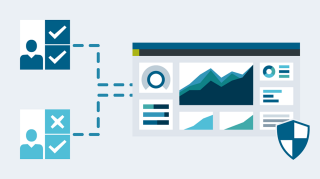
Protect your visualization from unauthorized access. User rights, roles and individual function rights can be configured via a local or centralized user management and access control.

Reporting
Reports in various formats are generated from templates created with Microsoft Excel, in runtime, on demand or automatically. These can also be distributed by email through your own or a public email server.
Audit
This option makes it easy to track user actions for quality assurance and documentation when changing process values. The data relevant for the audit trail is stored in a protected log and, if necessary, made available in a report.
Integrated Connectivity
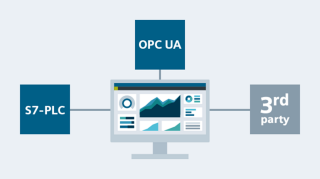
WinCC Unified provides an integrated connection to controllers from the SIMATIC family and third-party systems (such as Modbus, Allen Bradley). Data and alarms can be exchanged with other systems via OPC UA DA or OPC UA Alarm and Condition (A&C).